State of the Art Exhibits
The history of the Bible vividly comes to life at the world-class Creation Museum. On your walk through biblical history, you’ll encounter a realistic Garden of Eden, animatronic Noah, Flood dioramas, stunning video displays, and much more. Prepare to believe!
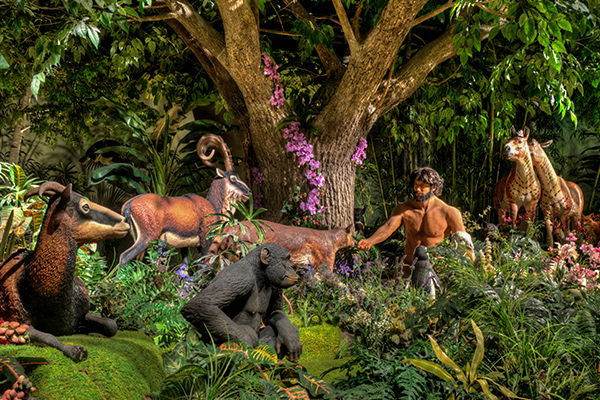
Garden of Eden
Explore the idyllic Garden of Eden alongside Adam and Eve. You’ll see Adam naming the animals, the creation of Eve, the tree of life, and the serpent cunningly coiled in the Tree of the Knowledge of Good and Evil.
Learn More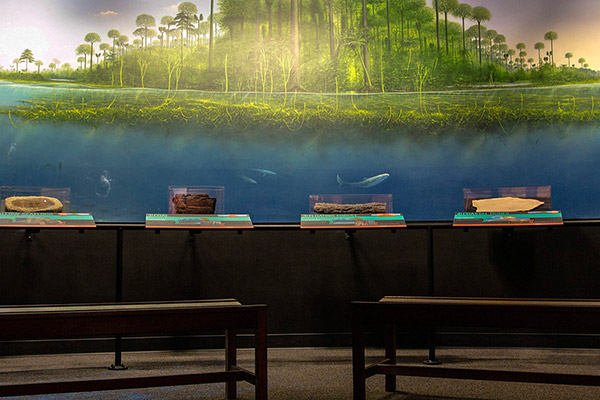
The Flood
During the year of the Flood, the ocean waters picked up plants and animals on the land and buried them in sequences of mud and sand layers where they became fossils. The Flood left behind layer upon layer of rocks and fossils in the present, spread right across continents.
Learn more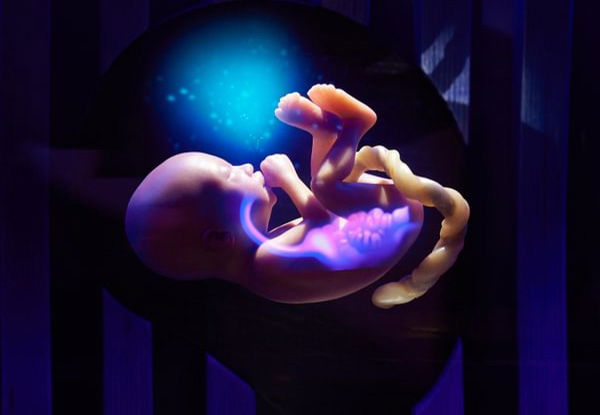
Fearfully & Wonderfully Made
Our Fearfully & Wonderfully Made exhibit features beautiful baby models, stunning special effects, and detailed teaching that will have you marveling over how God knit each of us together in our mothers’ wombs.
Learn more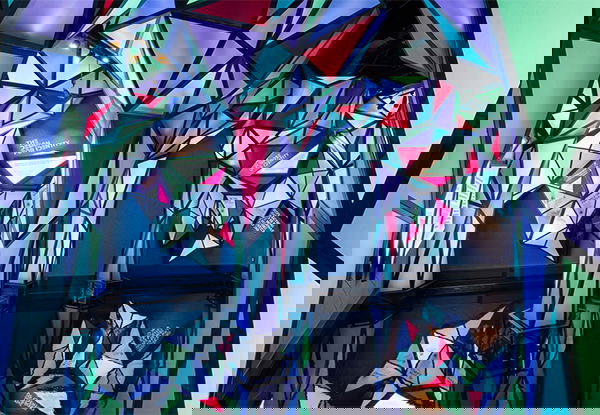
Radiance
Radiance features stunning displays that challenge guests to consider their identity in light of the Bible and discover their true identity rooted in Christ.
Learn moreChrist, Cross, Consummation
This is a powerful new exhibit with stunning original artwork presenting the salvation message beginning with Genesis.
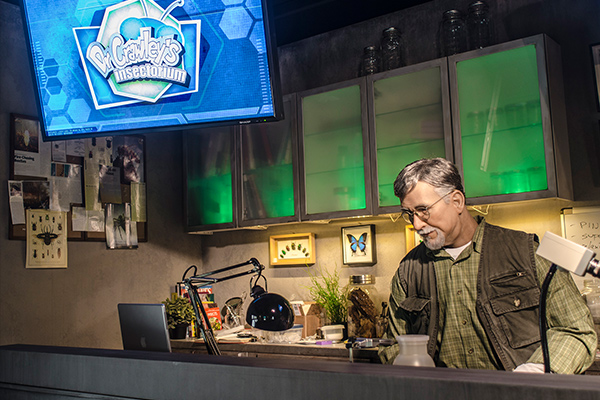
Dr. Crawley’s Insectorium
They’re creepy and crawly, and they’re on display at the Creation Museum. See exotic butterflies, colorful beetles, giant stick insects, and more as you discover the fascinating design of bugs.
Learn More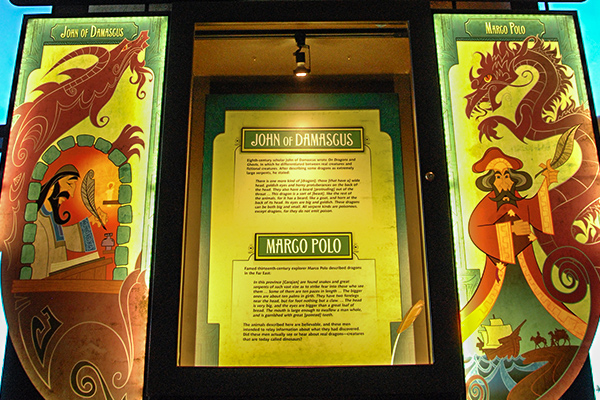
Dragon Legends
Legends of fearsome beasts called dragons are found in cultures around the world. Where did these legends come from, and could there be some truth behind the tales?
Learn More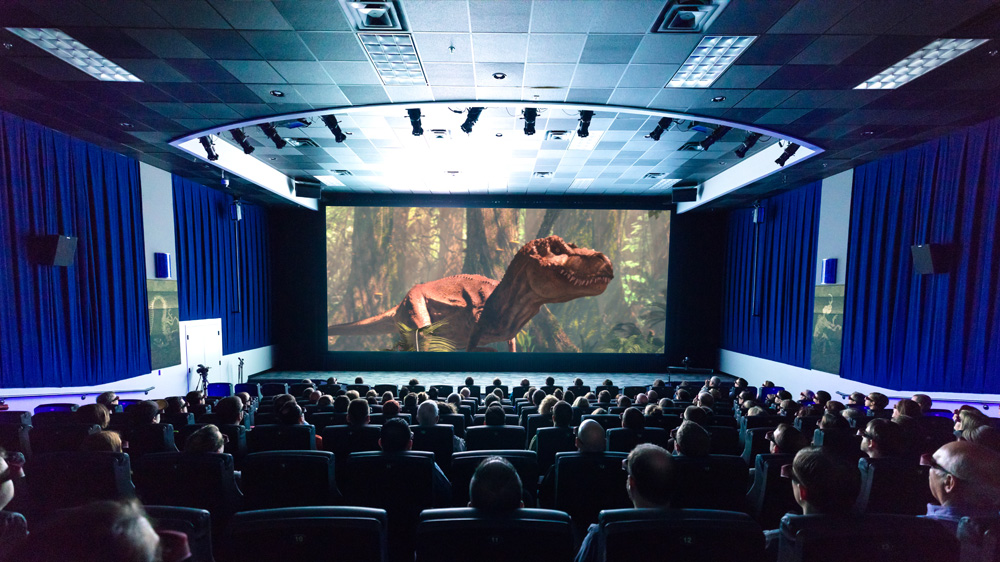
4D Special Effects Theater
Our Special Effects Theater is a state-of-the-art 4D theater, complete with comfy seats that rumble, shake, and deliver other surprises. The cinema projector generates 34,000 lumens, giving you a bright, crisp image on the big screen. It’s truly an experience to remember!
Find Out MoreAllosaurus
Meet Ebenezer, our stunning full-size Allosaurus. He’s a testament to the reality of the global Flood of Noah’s day and the truth of God’s Word.
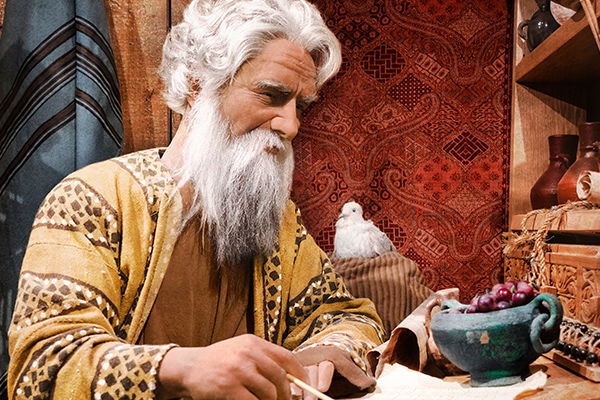
Noah’s Ark
What did Noah’s Ark look like, how was it built, and how did Noah care for the animals during the yearlong voyage? Get answers as you explore just one percent of the massive Ark.
Learn More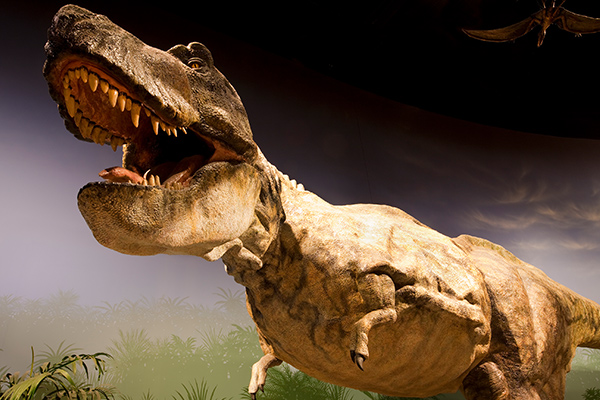
Dinosaur Den
Nothing fascinates both kids and adults quite like dinosaurs. You’ll see dinosaur sculptures of all kinds and learn about their incredible design in Buddy Davis’ Dinosaur Den.
Learn MoreHistory of the Bible
Ever wonder how we got the Bible? Explore where the text came from; learn how it has been attacked, defended, and preserved.
Natural Selection
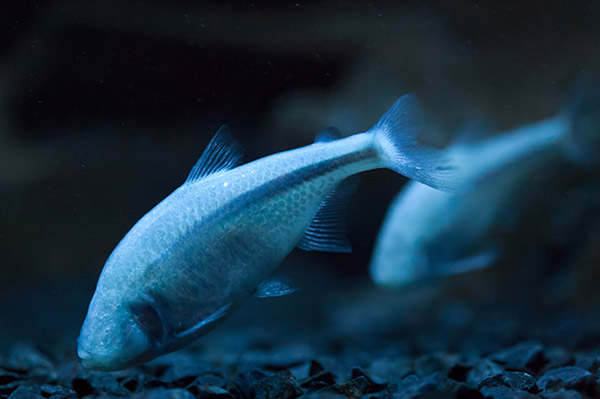
Natural selection is the name Charles Darwin gave to an observable process, which results in small changes in the plant and animal world, such as fur color or plant height. Darwin believed that given enough time, this process could be the primary mechanism of unobservable molecules-to-man evolution—but can it?
Learn more
Prepare to Believe




Creation Museum Location
place
2800 Bullittsburg Church Rd.
Petersburg, KY 41080 (see directions)
Seven miles west of the Cincinnati Airport
An attraction of Answers in Genesis
2026 Answers in Genesis. All rights reserved. | Privacy Policy | Content Policy | Attraction Rules